
Know exactly who you are dealing with
Scan more than 1800 types of government-issued IDs from over 213 countries and regions and cross-reference them against one of the largest global ID databases in the world. With integrated FINTRAC and FinCEN database searches, FACES2 ID strengthens compliance with anti-money laundering and counter-terrorist financing regulations in Canada and the U.S.
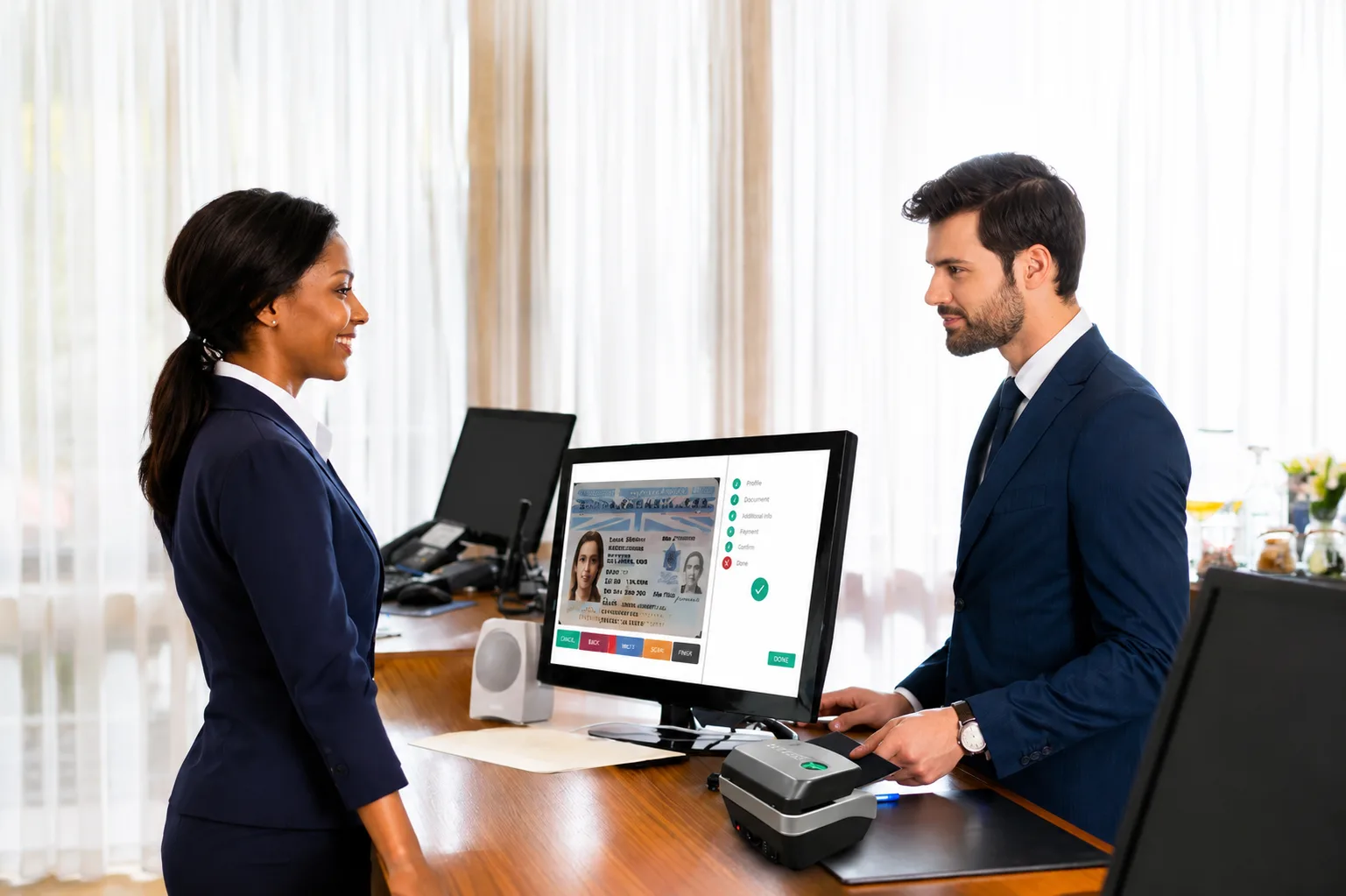
Verification that holds up
Remote clients verify from a smartphone: facial matching, colour ID scanning and matching, and ID digital chip validation.
Desktop scanner performs three simultaneous scans of the ID, colour, ultraviolet, and infrared, compared against a known database.
Over 1800 government ID types from 213+ countries and regions, including 74 Canadian and 643 U.S., one of the largest ID databases in the world.
Advanced facial matching with reduced false positives, plus liveness detection to defeat photos, videos, and fake representations.
Reads the ID’s digital chip and matches it to the scanned image. Also works on non-chip IDs.
Captures both sides of every ID, including passports and ID cards.
FACES2 does not store or save any client data on its servers. Results are delivered to your own cloud storage.
Searches FINTRAC and FinCEN databases to support anti-money laundering and counter-terrorist financing compliance in Canada and the U.S.
An official validation of the authentication process with full results and date/time of verification, in a password-protected, 256-bit encrypted file.
Flexible ID verification devices
FACES2 supports mobile and in-person workflows with full biometric, multi-spectrum, and database checks.
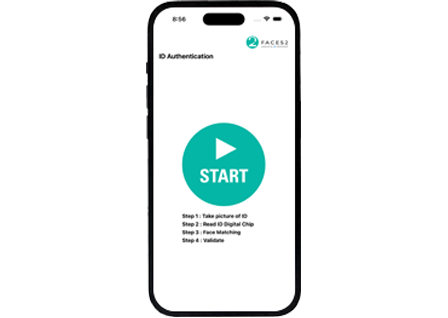
Remote ID capture, facial match, and Certificate of Authenticity generation.
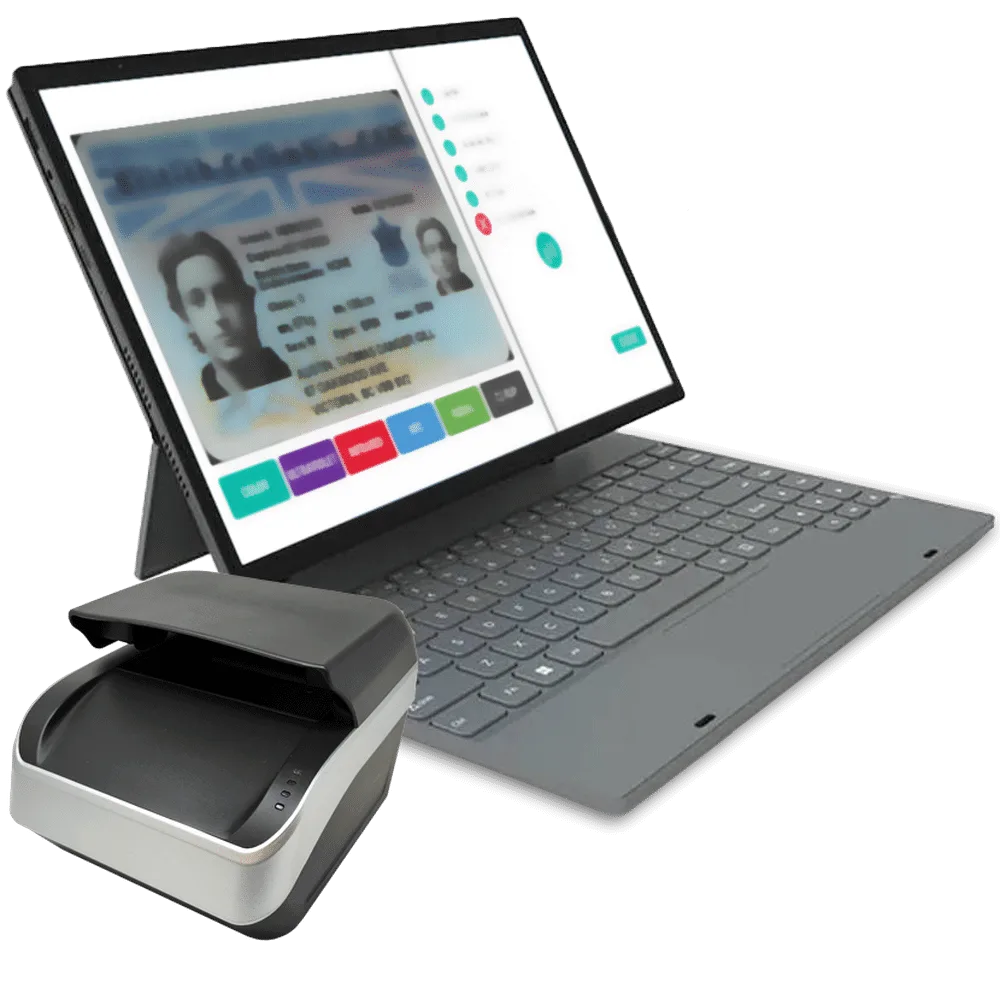
UV, IR, and colour scanning for high-security in-person checks.
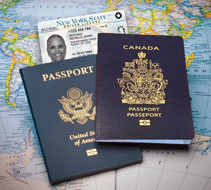
Over 1800 government ID types from 213+ countries and regions.

User-controlled, encrypted, and compliant storage for Certificates of Authenticity.
Two ways to authenticate
Verify a client's identification remotely with our iOS and Android mobile apps, or in person with our specialized desktop scanner. Either way, the result is a signed Certificate of Authenticity delivered to your own cloud storage. FACES2 does not store or save any client data on its servers.
Mobile app photo capture or desktop colour, UV, and IR scan. Both sides of the ID are captured, and the e-Passport reader validates the digital chip.
Checked against the worldwide database of government IDs.
Facial matching against the ID photo and chip image, with liveness detection.
FINTRAC, FinCEN, and sex offender registry searches for compliance.
Password-protected zip with results and Certificate of Authenticity, stored in your own cloud.
Store results in your own cloud
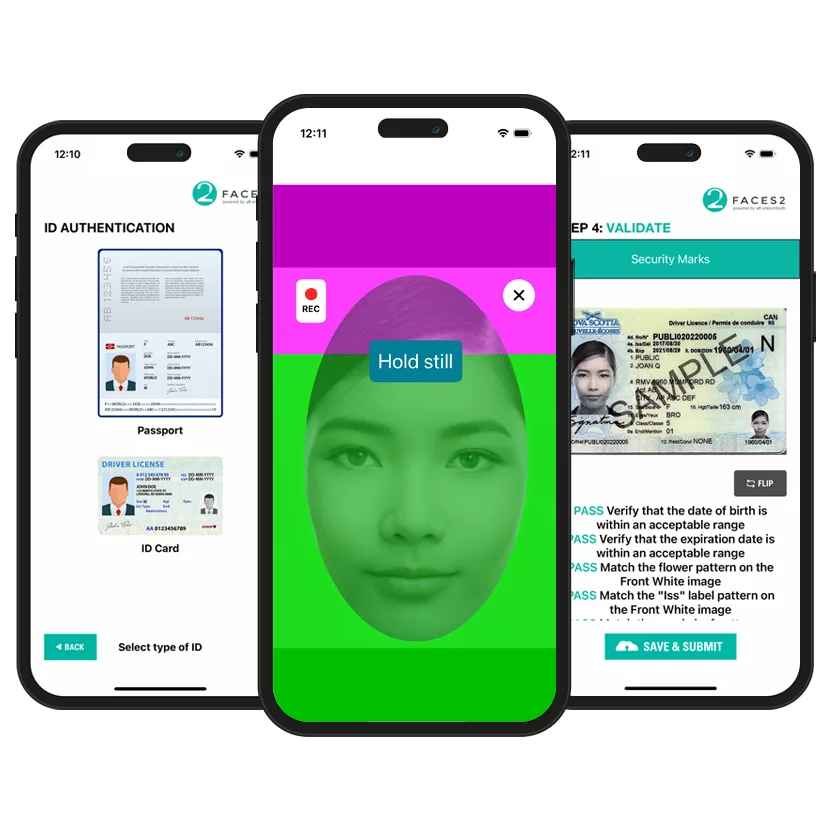
The four-step check, in hand
The FACES2 mobile app walks the client through the whole verification: capture the ID, read its digital chip, match the face with liveness detection, and validate security marks.
FINTRAC & FinCEN Database Search
Searches FINTRAC and FinCEN databases to support compliance with anti-money laundering and counter-terrorist financing regulations, providing accurate identification for regulatory adherence in Canada and the U.S.
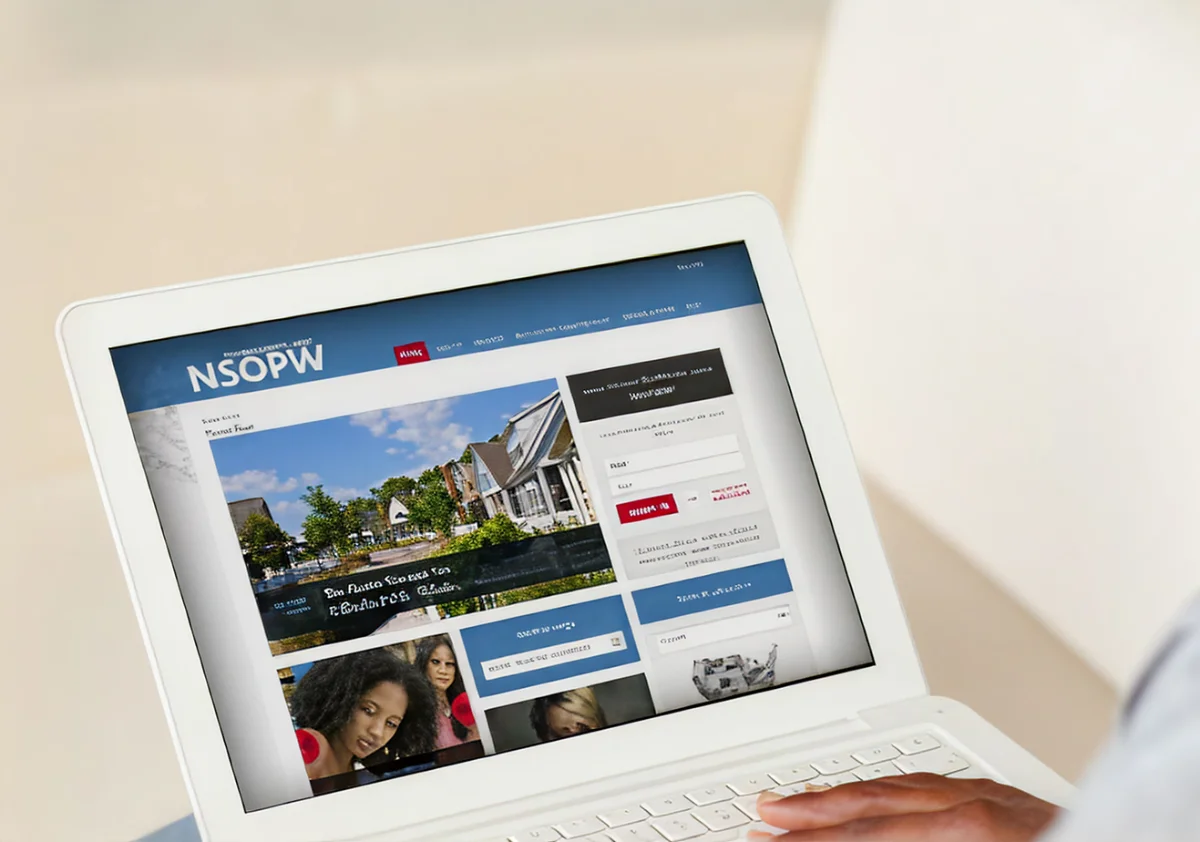
US Nationwide Sex Offender Search
Integrates directly into the FACES2 workflow to screen individuals against official federal and state registries.
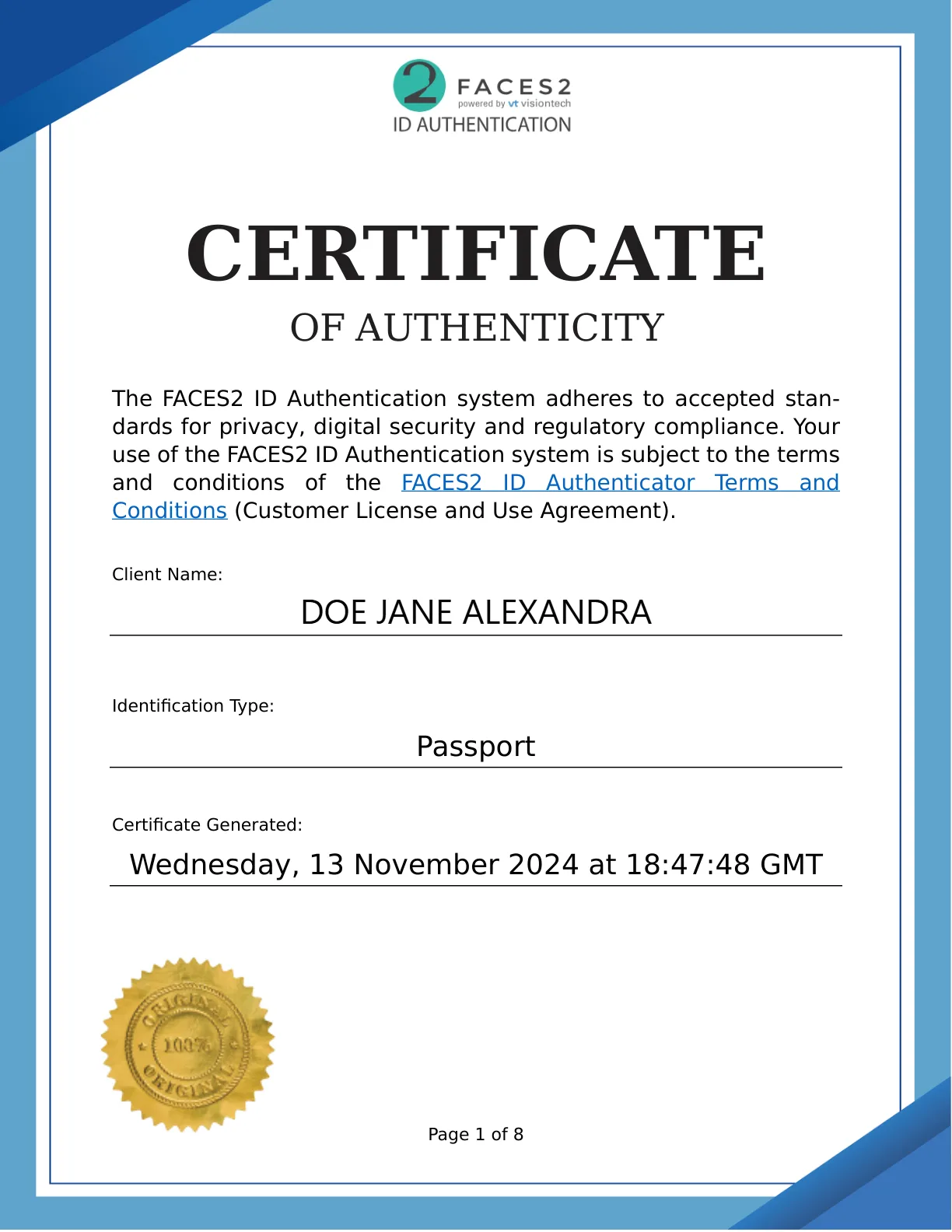
Certificate of Authenticity
Every verification ends in a signed Certificate of Authenticity, assuring clients that the data is authentic and not falsified or duplicated. The certificate encompasses the comprehensive results of the authentication process along with the specific date and time the data was verified.
Verified identity, everywhere
A verified identity flows straight into credentials, visitor records, and watchlists across the FACES2 platform.

Test it with real documents
See mobile capture, desktop scanning, and ePassport reading with your own workflows in mind.